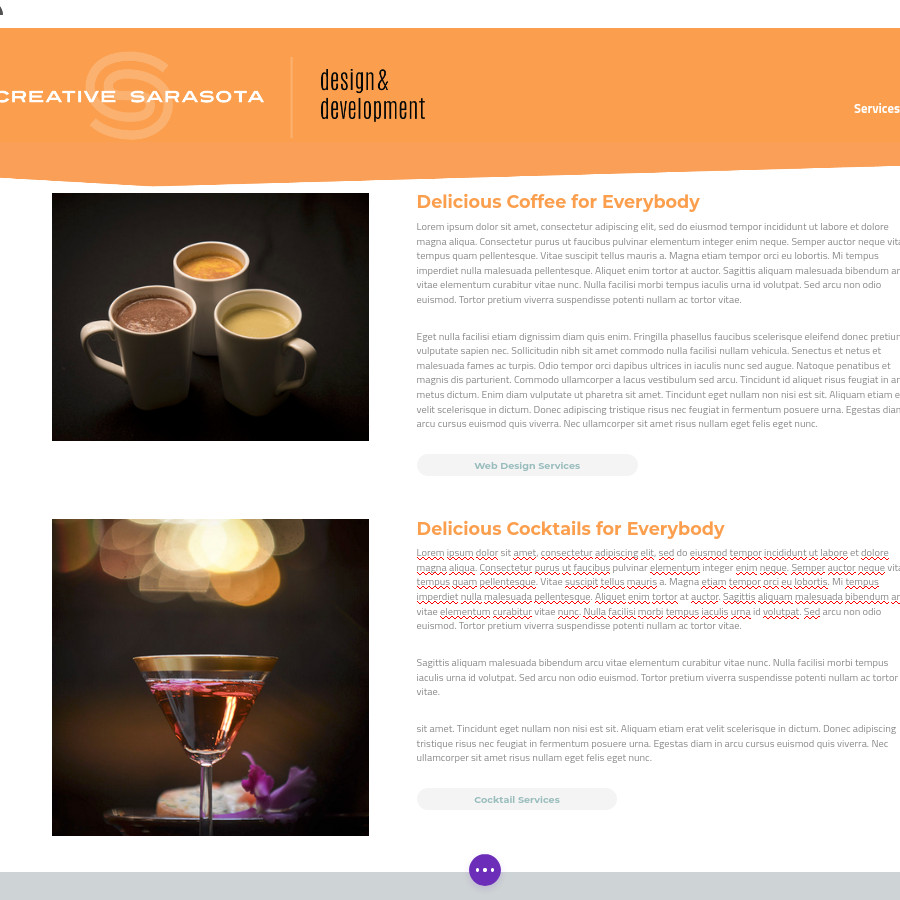

Maintaining structural style consistency throughout an individual web page is a fundamental necessity for good web design (unless you are a weathered professional and are intentionally avoiding consistency for a particular purpose). By structural style consistency we are referring to more than just consistent font colors and sizes. We are talking about consistent layouts from one section of a page to another. This document will show how the Divi builder makes it easy to recreate a section’s styles for subsequent sections.
Let’s say you have a web developer (perhaps Creative Sarasota Design and Development) build you a web site. A few months later you want to add some content to an existing page. It is important that the content you add matches the visual presentation of the already existing content. Here is what you do…
Log In to WordPress and Engage the Visual Builder
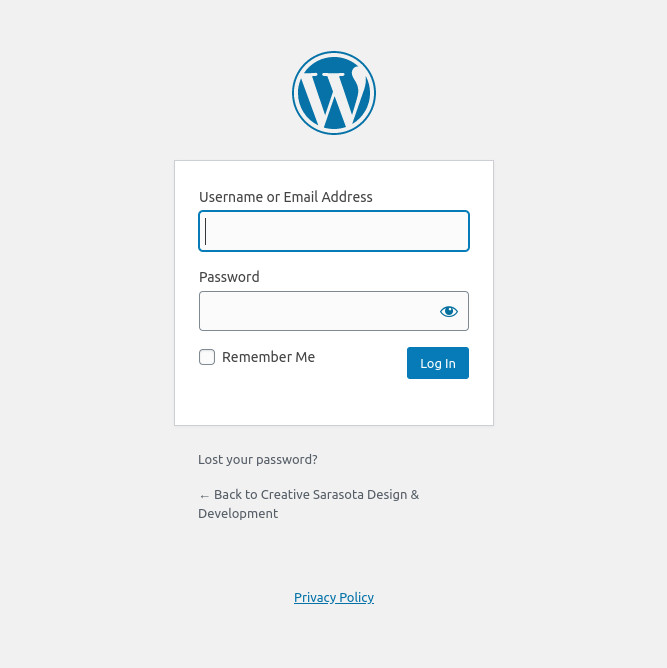
Log in to your WordPress Dashboard, find the page you want to edit, and engage the Divi Visual Builder. If you do not know how to do this, read our blog article here.
Mouseover the Row You Want to Duplicate
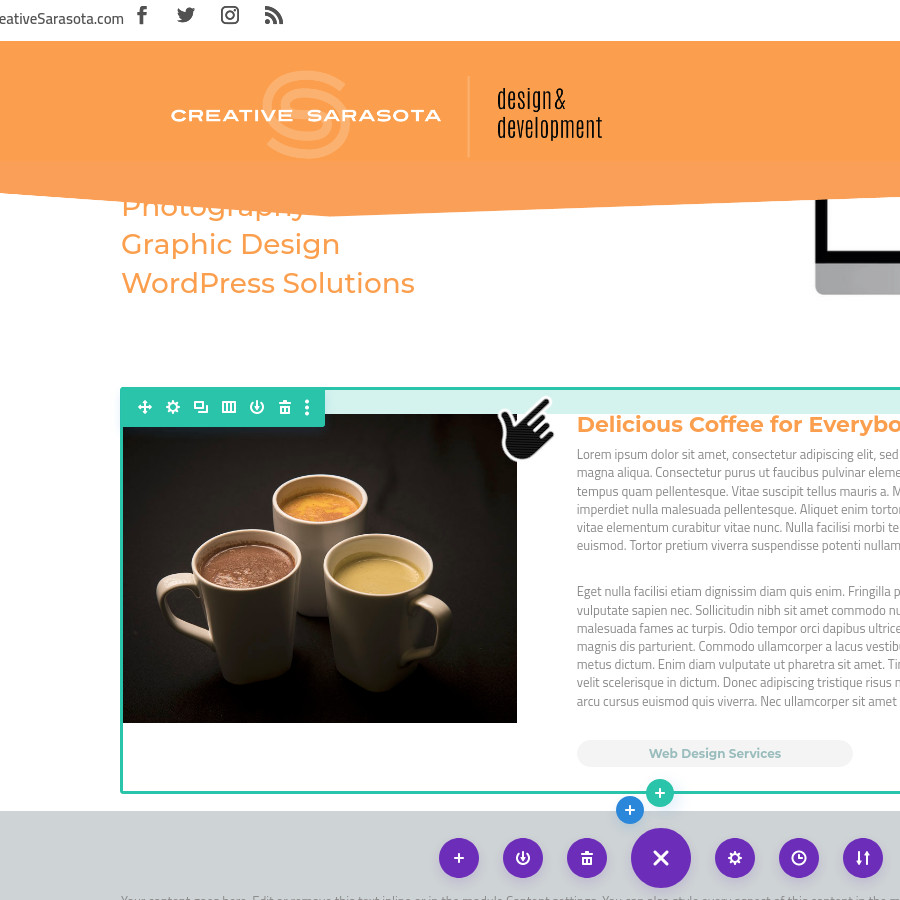
Scroll down to the row that you wish to duplicate. Put your mouse over the row until you see the green border around the section with the associated control icons.
Remeber: The BLUE border is for the section, the GREEN border indicates the row and columns, and the GRAY border indicates modules.
Duplicate the Row
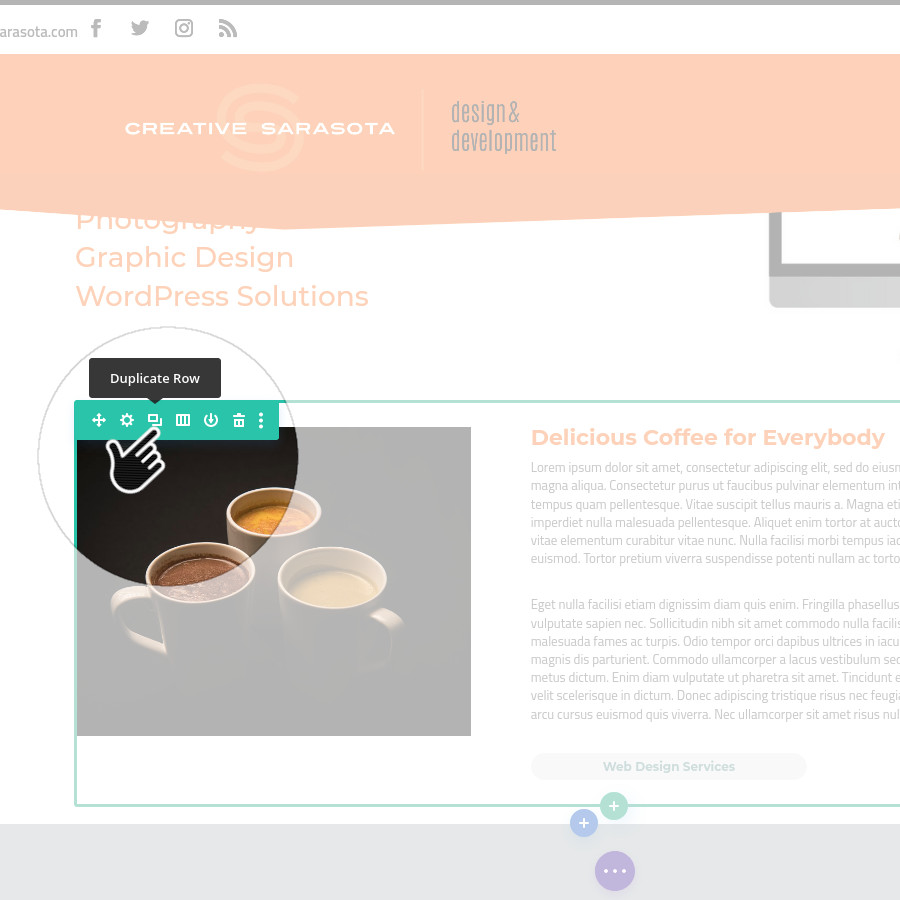
Click on the Green Duplicate Icon  .
.
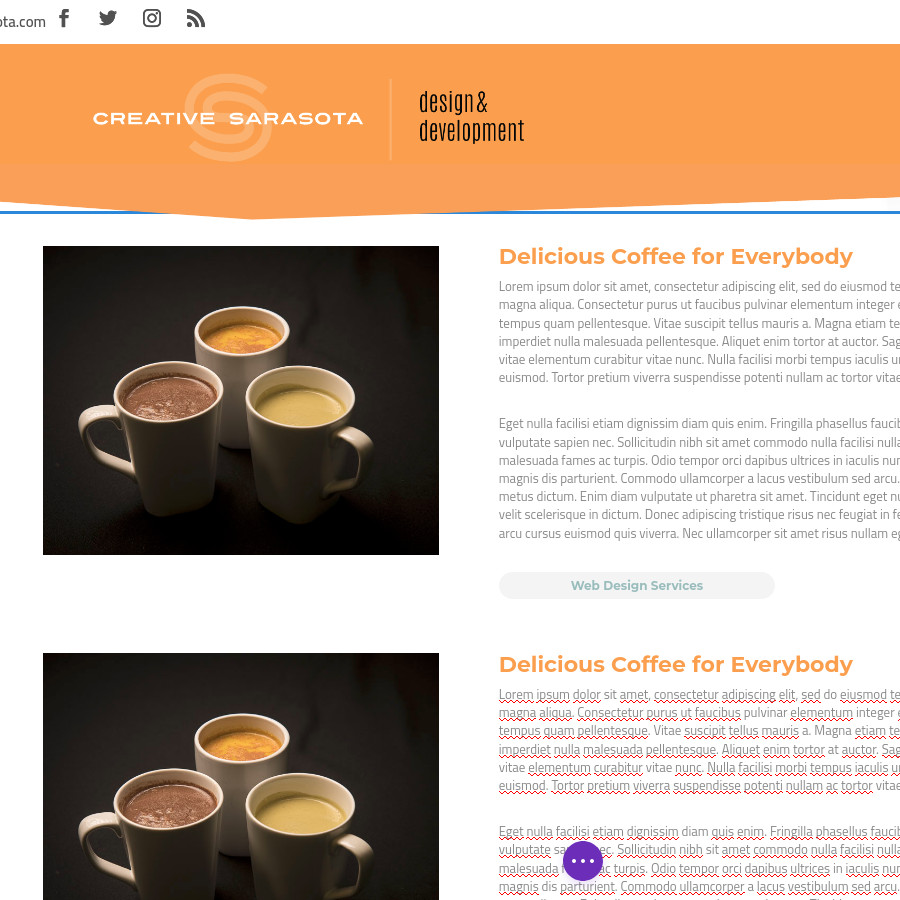
This will create an exact duplication of the row and every module in the rows and columns and places it underneath.
Edit the Modules
You can now edit any module in the duplication and it will have the same styles that were configured for the original.
Make your changes, save, and exit the visual builder.